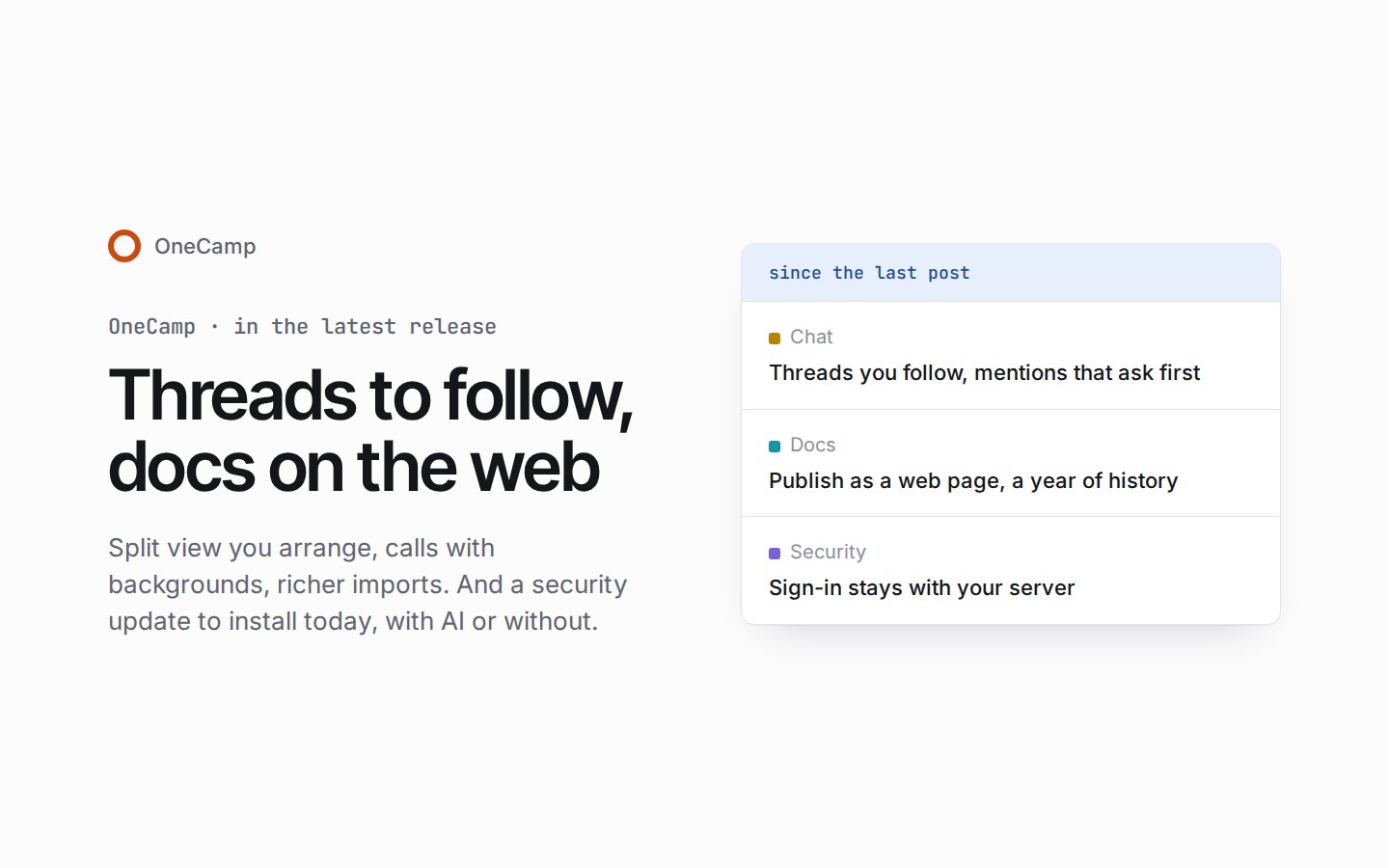
Threads to follow, docs on the web, and a security update to install today
If you're new here: OneCamp is a self-hosted workspace (chat, tasks, docs, calls, calendar and AI agents) that you install on your own server. It is open source and free for up to 25 people.
If you run OneCamp, update today, with AI or without. Until you install today's security update, your people's browsers send their OneCamp sign-in to every other site under your domain.
Since the last post there have been four releases. Two updates on 20 Oct closed holes in the graph database and stopped changes made at the same moment from being lost. The release on 22 Oct brings threads to follow, views to arrange and docs on the web. And today's security update keeps sign-in with your own server. The newest has everything from the others, so one update covers them all.
Threads you follow
You follow a thread when you start it, reply to it or are mentioned in it. The bell in its header shows whether you do, and turns it off or back on. The Inbox gives those threads a tab of their own, Threads, which the 4 key opens: unread first, with a count and Mark all read.
Around that, chat picks up more of the habits a team brings with it:
- Mentions for a room or a team. In a channel, the @ list offers @channel, for everyone in it, and @here, for everyone in it who's here now, along with your teams. People outside the conversation are listed apart, under Others. In a channel of six or more people, @channel or @here asks first ("Notify 42 people?"), and an admin can change that number or turn the question off. Name someone who isn't in the channel and you're told they weren't notified, with Add them.
- Keywords and VIPs. In Settings › Notifications, choose words to hear about in channel posts, where they're marked for you, and people whose messages and mentions reach you even during a pause, focus time or quiet hours.
- Where you left off. Mark a message unread in a channel, group or DM, and your place follows you to your other tabs and devices. A conversation with more than a screen of unread messages opens at the first of them, with a banner. A link to a message opens it in place, in the middle of the conversation and lit up.
- Pins, reactions and drafts. Pin a message in any channel, group or DM, and react to a message with more than one emoji. A draft survives a reload and waits for you on your other devices.
Split view, arranged your way
Move any view, the page included, by dragging it, with Ctrl+Alt+Shift+[ and ], or from its menu, and undo the move if you change your mind. Your window's width decides how many views fit beside the page, and a narrower window tucks the rest away as chips instead of closing them. Each view keeps its width, and a double-click on the seam between two views evens them out.
Docs on the web, with a year of history
- Publish a doc as a web page. In a doc's share dialog, the "Anyone with the link" card can also publish the doc at an address you choose, as a plain page your server renders, with no scripts. You decide whether search engines may find it (they can't unless you say so), whether it needs a password, and whether members may copy it into their own docs. The page lasts as long as the link does, and an admin can turn publishing off for the whole workspace.
- A year of page history. A doc's versions are now kept for a year, up from 30 days, and a workspace admin can choose anything from 30 days to ten years. Replay a doc's changes from the oldest, and pin the versions you want kept for good.
Calls with backgrounds, run by their hosts
- Backgrounds and sound. Blur your background lightly or strongly, or choose one of six backdrops. For sound, use your browser's own noise reduction, or a strong one that removes typing, traffic and fans on your device. Both are there in a call and in its green room before you join, and their files come from your own install, never from a CDN while someone's on camera.
- Hosts run the call. From the people panel or a person's tile, a host or co-host can mute someone, stop their video or screen share, ask them to unmute, spotlight them for everyone, make them a co-host or remove them. They can also mute everyone, lock the call, mute people as they join, and end the call for everyone.
Imports bring much more across
- Slack, without an export file. Paste a Slack token in the import dialog and your workspace comes across through Slack's API. The token is held in memory for the import alone, never stored or logged. An export file brings more than before as well: group DMs, reactions, pins, and joins, renames and topic changes as quiet lines in each channel.
- Notion, block for block. A Notion workspace arrives block for block, with its files and its pages' comments.
- The task tools. Jira, Asana and Todoist bring their comments now, and Asana its files. Every importer keeps all of a task's labels as tags, where only the first came across before, and a task the source marked done stays done, whatever its column was called.
Undo on a shared board
On a shared board, undo also took back what other people had drawn, and what the board opened with, so two undos could empty a board for everyone. Now your undo takes back only your own changes, and inserting a template is one step to undo.
If a board was emptied this way, an editor can open More › Version history and restore the last "Auto-saved" version from before it emptied. A restore takes effect when the board is next opened with everyone disconnected, and it can be undone too. A board keeps its last 15 auto-saves for 30 days, at least ten minutes apart, so anything drawn in the few minutes before the undo can't come back. Today's security update adds a safety net: a "Before large deletion" version is now kept whenever many items disappear at once, an undo included.
Around the app
- Project rules. A project's work can run itself. When a task is made, assigned, moved to a status or changed, and the conditions you set hold, a rule can assign it (to a person, by turns or to whoever has least), move it, set its due date or priority, add a sub-task, comment, or tell someone. Ready-made rules get you started.
- Board columns in your order. Drag a board's columns by their grip, or move them left and right from a column's menu.
- A guided first run. A new workspace's owner is walked through the setup in one place: inviting people, bringing work over, and opening a worked sample project, which you can remove again in one step.
- The Inbox beside what you read. On anything wider than a phone, a thread, task or event opens in a pane beside the Inbox list, docs shared by one person within a day fold into one row, and a Compact density shows more at once.
- A colour for each part. Chat, calls, docs, projects, calendar and tables each have a colour of their own.
- Lighter pages. Each page now loads only the server addresses it uses, and the emoji picker loads the first time you open it.
In the edition with AI, Ask AI now follows the links between messages, comments and docs, and cites the ones it used. Agents and MCP clients get two new tools: what's related to an item, and how two items are connected. They need a token with the search:read scope, and see only what the member they act for can see. With AI, inserting an AI drawing on a board is one step to undo, too.
Update today
Today's security update closes a hole in how every install signs people in, with AI or without.
- Sign-in stays with your server. The server wrote its sign-in cookies for the whole of its domain, so browsers sent them to every other site under that domain. On a self-hosted install, any other site you run there, such as a marketing site, a status page or a help desk, received your people's sessions. Now the sign-in cookies belong to your install's own server address alone, and the web app no longer reads its request token from a cookie that every page on your domain could read. Two workspaces on one domain also stay signed in side by side in one browser, instead of signing each other out.
- Slack imports keep every reply in its own conversation. An import could file a reply under a message in another channel or DM when both were sent in the same microsecond, so the people there could read it. Imports now keep every message in its own conversation. About 15 minutes after the server starts, it checks each Slack import made before the update, once: it moves misfiled replies back where the import's export is still kept, removes any whose own message never came across, and removes any reply found in a DM its author wasn't in. Admins see one entry in the audit log, with counts only. An import whose export is more than a week old can't be checked for replies misfiled between channels; DMs are checked either way.
- A Node.js that still gets security fixes. The collaboration service ran on a Node.js release line that no longer gets them. It now runs on one that does, and the image for a self-hosted web app is pinned to the same patched release.
It fixes five smaller things too. A SAML sign-in that took more than two minutes at the identity provider, with a second factor for instance, failed in Chrome; it completes now. A push notification opens your workspace's web app rather than your domain's own address. Your theme follows you to every browser, where before it stayed in the one you chose it in. Signing out clears only this workspace's cookies, not every cookie on your domain. And the server's check of where a write comes from accepted some addresses it shouldn't have; fixed.
It doesn't fix everything yet:
- A web app from before the update keeps working against the new server through a compatibility cookie, its request token readable on your domain as before. The server writes it only for older web apps, so a browser that uses only updated ones holds none. Once every web app you run is updated, set
CSRF_LEGACY_COOKIE=offin your install's.env; a later release turns it off by default. - A browser that doesn't open OneCamp after the update keeps its old sign-in cookies, still sent across your domain, until they expire, at most 30 days later. Opening OneCamp moves them to the new cookies within five minutes.
The two updates from 20 Oct are in it as well:
- The graph database, fenced and up to date. The graph database that holds your workspace's messages, docs and tasks ran a version with security holes, among them admin functions that answered anyone who could reach them, with no sign-in. It now runs a release that closes them, its admin functions answer only your install's own network, it sends no usage reports to its developers, and it stays within memory limits, so a runaway query restarts the database rather than slowing the whole server.
- Changes made at the same moment are kept. When two people changed the same thing at the same moment, OneCamp could keep one change and quietly drop the other. Now a change that meets another tries again, a moment later, until it's saved. What was lost before can't be brought back, so if something you did recently looks undone, such as a reaction, a share or an edit, do it again once you've updated.
Before you update
If you run OneCamp on your own server, here's what changes for you. The steps are under Updating on the installation page, and the changelog has the details. Everyone stays signed in through the update.
- A long first update. The release applies 124 database migrations, and the security update one more, after taking a backup. Most of them add an index to a link between records, built without holding up writes. Going back to an earlier release isn't supported, so that backup is the way back.
- New indexes on the first start. The graph database builds two new indexes, for people's names and for links between things, and each person's search name is then written in the background. Links already in your messages, comments and docs become references a batch at a time, over the nights that follow.
- A year of doc history. Versions are now kept for a year by default, within each doc's storage cap. To keep less, change the doc history setting in Admin.
DOC_SNAPSHOT_RETENTION_DAYSin your.envstill applies when it's longer. - One site for the web app and the server. Update the web app with the server. If you host the web app yourself, deploy the new one at the same time; until you do, it keeps working through the compatibility cookie. The web app and the server must stay on one site, as the installer sets them up (
onecamp.andonecamp-backend.under one domain): a web app served from another domain can no longer sign in. Anyone with OneCamp open should reload it once the update is done. - Scripts and integrations. Scripts that read the
Authorizationcookie by name must switch to API tokens. The sign-in cookies are now__Host-cookies that go only to the server's own address. Every/v1answer now carries an API version and a request id. Each token has a limit for each route, 600 reads and 120 writes a minute unless a route says otherwise, answered with 429 andRetry-After. Writes take anIdempotency-Key, andGET /v1/openapi.jsondescribes every route. - A small server. Since 20 Oct the graph database has a 1 GB cache and a 4 GB memory limit. On a small server, set them lower in your
.envbefore you update, for exampleDGRAPH_CACHE_MB=512andDGRAPH_MEM_LIMIT=2g.
On the demo now
The live demo already runs a few chat fixes that come in the next release; none of them is in a release you can install yet. A conversation you open from a notification, a link or a reload now opens where you left off, with its New line and banner. Deleting a conversation's only message no longer brings it straight back. And the cards under a message, for a task, a doc or a project, fetch what they open only when you point at them, tap them or reach them with the keyboard, so scrolling a channel full of links no longer downloads every page they lead to.
The product behind these posts
OneCamp is your team's chat, docs, tasks and calls in one open-source app on your own server, with AI agents that can only do what you can.
No sign-up · Free for up to 25 people
Get the next one
I write these as I build OneCamp: what broke, what it cost, and what I changed.