Docs for the whole team, and a security update to install today
If you're new here: OneCamp is a self-hosted workspace (chat, tasks, docs, calls, calendar and AI agents) that you install on your own server. It is open source and free for up to 25 people.
If you run OneCamp, update today, with AI or without. The newest release closes two holes in the web app that every install serves, and they stay open until you update.
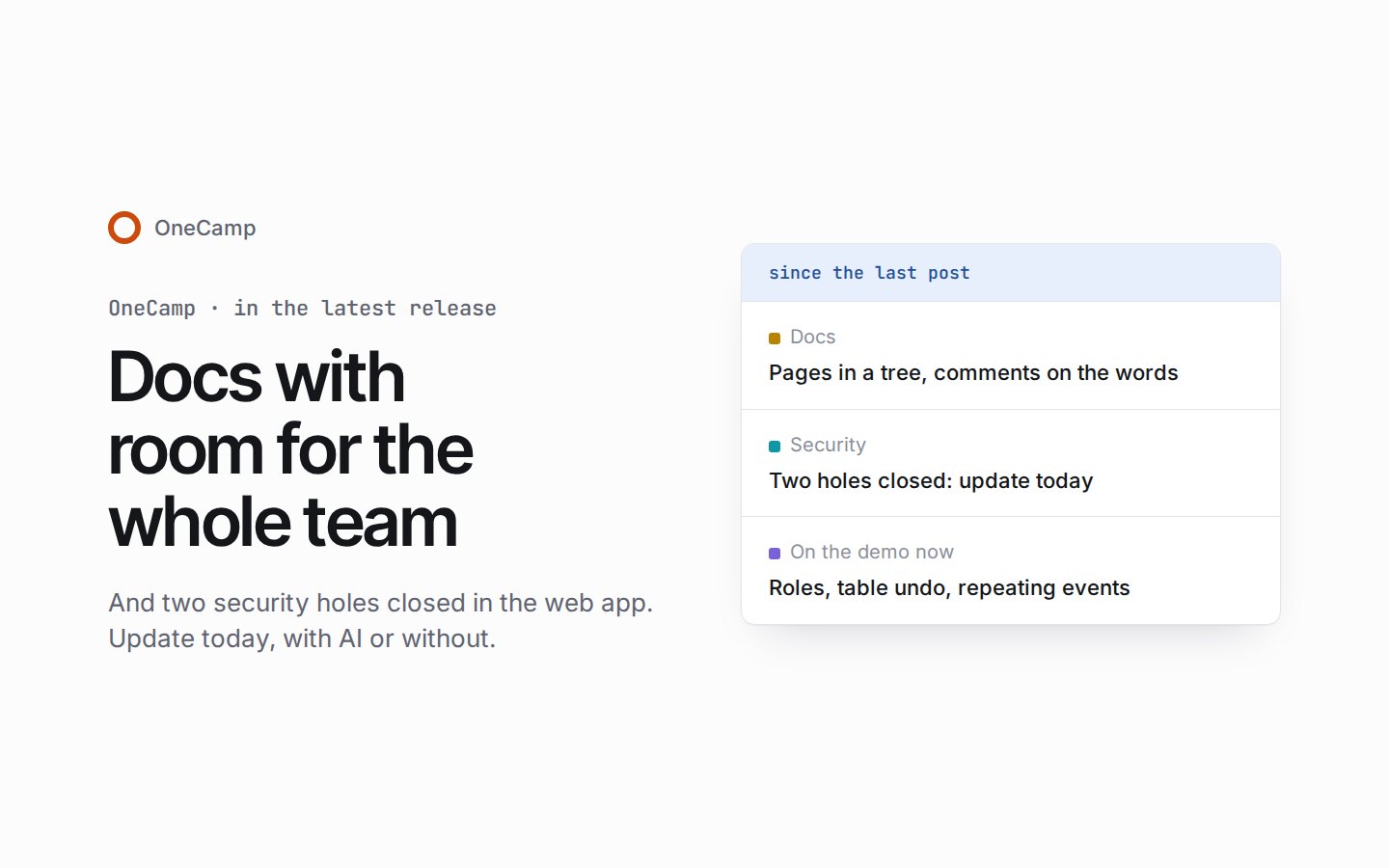
Since the last post there have been four releases: a big one for docs, and three smaller ones that each close security holes. Here's what they change for you, and what the live demo already runs that no release has yet.
Docs with room for the whole team
The docs release makes docs the place a team builds its work together. Everything the docs post showed on the demo is in it: toggles, callouts, simple tables, equations, Mermaid diagrams, and find and replace. Around those:
- Pages in a tree. Nest pages inside pages and drag them where they belong. Before a move, you see how the page's access will change. A docs home lists your recent, own, shared, workspace, starred and archived docs, and search reads what's inside them.
- Comments on the exact words. A thread holds on to the passage or block it's about, with replies, resolve and reopen.
- Sharing that fits how teams work. Share at any level from view to full access, with a person or a whole team, for good or until a date. Anyone can ask for access, and the owner, or someone with full access, answers. A doc can be handed to a new owner, or locked.
- History you can name. Versions are kept as people edit, and before every change made from outside the editor. Name or pin one to keep it, compare it, and restore it as one change.
- Bring it all in, take it all out. Import Markdown, HTML, text and Word files, or a zip exported from Notion, Confluence or Google Takeout. Export a doc as Markdown, HTML, PDF or Word. An admin can export every doc they can open, plus the private docs whose owners agree.
- Links that stay alive. Mentions of docs, tasks and people stay current, a to-do can turn into a task that ticks both ways, links to other sites show a preview, and a page lists the pages that link to it.
- A trash. A deleted doc waits in the trash with its subpages, for 30 days by default, before it's gone for good.
- Docs for your scripts. The API lists, reads, creates and appends to docs, with docs:read and docs:write tokens.
With AI, each doc also has an Ask AI bar. It edits, rewrites, summarises and answers questions about the page, and its rewrites arrive as suggestions you accept or decline piece by piece. Readers can ask it too, a doc's action items become tasks, and every edit an agent makes is marked in the margin and can be undone exactly.
The same release reaches past docs:
- Chat shows what you're not in yet. Discover lists every public channel you can join, and an archived channel can be restored with its history.
- Booking pages keep their bookings. Deleting a page keeps every booking made through it, and guests can still change or cancel theirs.
- A tablet layout. Touch screens between phone and laptop size get a layout of their own.
- One design on every screen. Buttons, rows, tabs and fields show hover, press, selection and focus the same way everywhere.
Update today
Three of the four releases close security holes. The newest one has every fix from the others, so one update covers them all.
- Two holes in the web app. Someone with an account in your workspace could make your server run code of their choosing, and anyone on the internet, signed in or not, could make the web app fetch addresses inside your install's network. Text pasted into an editor could also run script in the page. All three are closed. The release also brings the server and the document server up to date with their own security fixes, and moves Redis and Traefik to their newest patch releases. Its changelog entry says plainly what it doesn't fix yet.
- Project work stays with its people. Search showed everyone in a team the tasks, comments, files and names of all the team's projects, including ones they weren't in. A task's emails reached people who had left its project, and anyone signed in could take people off a project. Now only a project's people find its work, a task's emails reach only the people who may read it, and only a project's admins, or its team's admins, can take someone off it. GitHub links stay inside their own project, and a private table stays private.
- A table made in a private doc. A table made with "Create a new table" from /table in a private doc could be seen by everyone in the workspace. A new table now follows its doc. Tables made this way before the update keep their setting, so after you update, look through Tables and choose "Make private" for any that should be.
The last two are on the changelog under A workspace with nothing in the way, with the rest of their fixes: member and task lists that stopped at 1,000 now show everyone and everything, comments on tasks reach the desktop app, and Refresh from GitHub on a task works at last.
The same releases closed doors on the server that you couldn't see from the app:
- Installing or updating printed your LiveKit API secret on the terminal. It doesn't any more. If you saved or shared that output, change the LiveKit key after you update.
- Redis requires its password, a new install makes its own storage access key, and data folders an older release left open to every account on the server are closed.
- Telemetry is off unless you set up a collector, and the API's answers are compressed, so tables, chats and docs load faster.
- After an update on a busy server, the API keeps trying the message broker until it connects, instead of running without live updates until someone restarts it.
To update a server you run, follow the steps under Updating on the installation page. The update takes a backup first, and everyone stays signed in. If you host the web app somewhere else, deploy the new web app as well: the two holes are in the web app, so updating the server alone doesn't close them. Anyone with OneCamp open in a browser should reload it once the update is done.
Updates build what they install
Before the security release went out, it was tried as an update on a fresh virtual machine, and the update stopped halfway. Every file in a release download carries the same date, and Docker's builder recognises a file it has seen by its size and date. So a file that had changed but kept its size was taken from the previous release's build. This time it was the document server's list of packages, and the build refused to go on. A build that doesn't refuse could quietly run old code.
Now every update gives the files it installs the time of the update before it builds anything, and the installer on onemana.dev gives each file the time it unpacks it. Either fix alone is enough, and both are live.
On the demo now
The live demo already runs the next release. None of this is in a release you can install yet; it arrives in the next one.
- Roles in projects. Everyone in a project is an admin, a member, a commenter or a viewer, and members add and change its tasks without waiting for an admin. Each project chooses who changes its tasks.
- Tables that remember. Undo and redo your last 100 changes in a table, read a row's history, and bring back deleted rows, columns and tables from the trash. A row can carry comments, on the whole row or on one cell, and a page of its own.
- Repeating events. Weekly, monthly, yearly, every weekday, or a pattern of your own. An all-day event now sits on the same date for everyone, wherever they are.
- Groups that stay as they were. Adding someone to a direct message or a group opens a group of everyone together, and the old conversation stays as it was. You choose how much of it to share with them.
- A call dock, with reactions and the list of who's in the call.
- Lighter pages. Signed-in pages no longer load every language or the code for push notifications up front, and task lists load 500 tasks at a time.
Phones get rebuilt sheets there too, boards and timelines wear their colours, and one splash takes you from the first paint into the app.
The product behind these posts
OneCamp is your team's chat, docs, tasks and calls in one open-source app on your own server, with AI agents that can only do what you can.
No sign-up · Free for up to 25 people
Get the next one
I write these as I build OneCamp: what broke, what it cost, and what I changed.