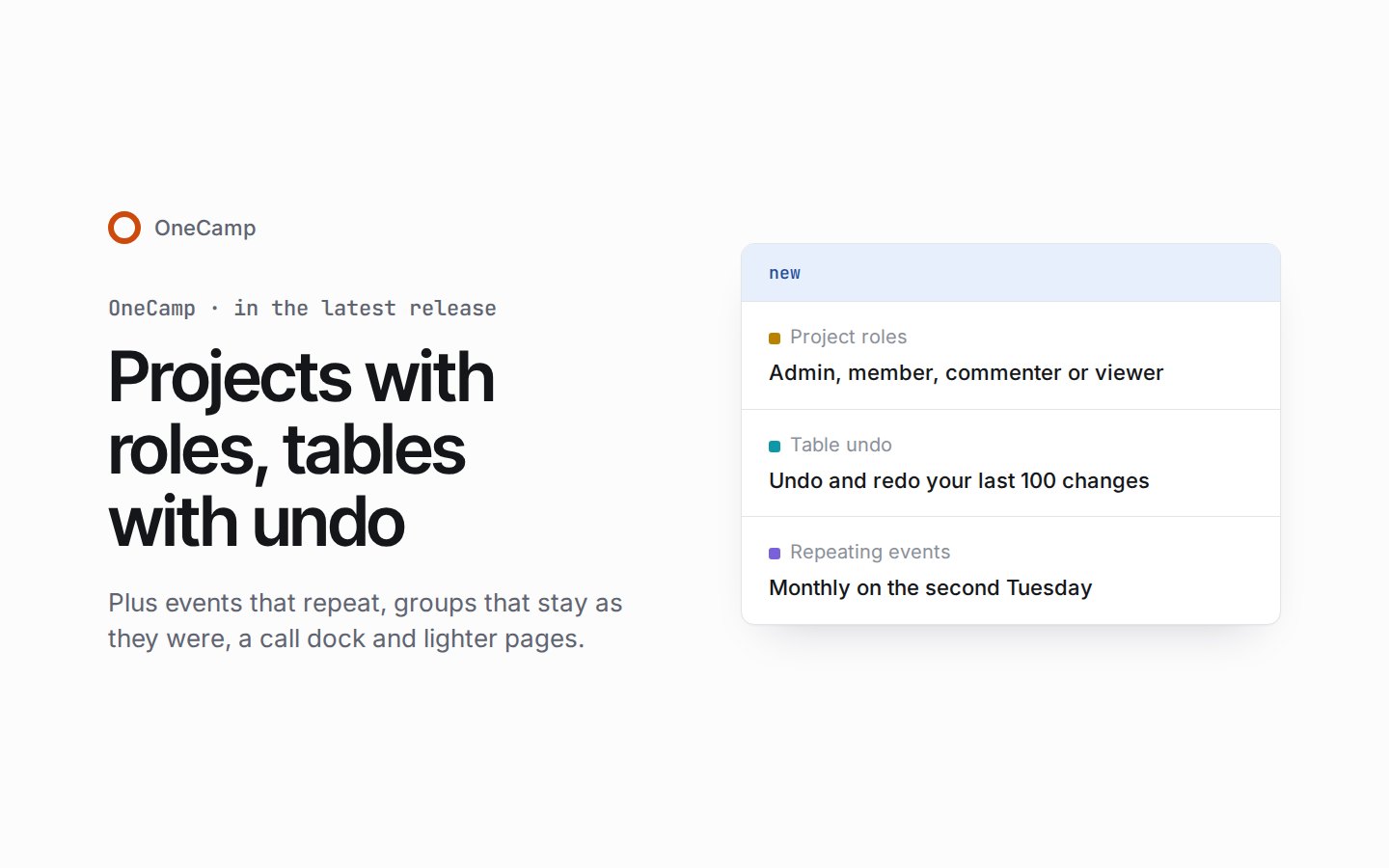
Projects with roles, tables with undo, events that repeat
If you're new here: OneCamp is a self-hosted workspace (chat, tasks, docs, calls, calendar and AI agents) that you install on your own server. It is open source and free for up to 25 people.
It's in the latest release, with AI or without. The last post showed it on the demo; now you can install it. If you run a server, read the last section before you update: members can now change tasks, and a script that uses an admin's token no longer gets admin powers.
Roles in every project
Until now, only a project's admins changed its tasks. Now everyone in a project has a role:
- an admin runs the project, its settings and its people;
- a member makes tasks and works on them;
- a commenter reads and comments;
- a viewer reads only.
The app offers each person only what their role allows, from the task panel and the board to the Files tab. Each project chooses who changes its tasks: members, members on their own tasks, admins only, or the workspace's default. A workspace admin can make themselves a team's admin after one question, and that goes in the audit log.
Tables remember every change
- Undo and redo cover your last 100 changes in a table: ⌘Z and ⌘⇧Z on a Mac, Ctrl+Z and Ctrl+Y elsewhere. A paste or a bulk delete is one change, and the notices that said "This can't be undone" now offer Undo. An undo leaves alone anything someone has changed again since, and says so.
- A row's history shows who changed what, newest first.
- A trash keeps deleted rows, columns and whole tables, with Restore. A row comes back with its cells, its place and its links.
- Conversations about a row. Comment on a row or on one of its cells, then reply, resolve, react and @mention, as in a doc. A dot in the grid shows where people are talking.
- A page of its own for any row, written in the doc editor beside its fields, and live for everyone who has it open.
- Columns that know what they hold. A column can have a description, a default for new rows and a Required setting. A primary field names every row in every view, every row has a number in its table, and a cell takes only what its kind can hold, with a message naming the field and its options.
Events that repeat
A new event can repeat weekly, monthly, yearly, every weekday or on a pattern of your own, worded the way you'd say it: "Monthly on the second Tuesday". Changing, dragging or deleting one occurrence asks whether you mean this event, this and the following ones, or all of them, and a series keeps its local time when the clocks change. A repeating event isn't copied to Google Calendar yet.
Underneath, the calendar now keeps all its events in one store. An event and its guests are saved together, so the calendar, focus time, time off and guest lists always agree, and an all-day event sits on the same date for everyone, wherever they are. The week opens on what comes next, and Join appears only for a call's link.
Guests answer now. Anyone can be invited by email address, and a guest answers yes, no or maybe, with a note, for the whole event or a single occurrence, from their own page. A guest can be optional, and the organiser can let guests invite others or change the event. A meeting you declined no longer counts as busy in Find a time or on booking pages. Everyone also sets their own reminders, up to five for an event or a whole series. With none set, you're reminded 10 minutes before an event you said yes or maybe to, or at 09:00 the day before an all-day one. A reminder of an event you said yes to still reaches you during a pause, quiet hours or focus time, and nobody is reminded of what they declined.
Groups are fixed sets of people
Earlier messages now stay with the people who were there. Adding someone to a direct message or a group opens the group of everyone together, or the one that already exists for exactly those people, and the old conversation stays as it was, with a line saying where it continues. When you add people, you choose what to bring along (nothing, the last day, the last week or everything) and see exactly how many messages that is. Groups can be named, hidden until someone writes, or made into a private channel.
Around the app
- A call dock. React with six emoji that float up the stage with who sent them, see who's in the call, and, on a computer, open the call's conversation beside it in split view.
- Boards, timelines and workload in colour. Status columns wear their colour, timeline bars are filled with their project's colour, with faces and diamond milestones, and each workload week shows whether there's room. A task linked to GitHub gets a Development card with its branch, pull request, checks and issue.
- Phones, rebuilt. Every sheet scrolls in one place with its title and buttons pinned, and the emoji picker and the status, time and filter sheets fit the screen. An iPhone no longer zooms into small fields.
- One splash from the first paint into the app, with no white flash in dark mode. Channels and direct messages now sit above Docs in the sidebar, and Escape closes one thing at a time across more of the app.
- Lighter pages. Signed-in pages no longer carry every language, the code for push notifications or the invite form up front, and celebrations load once the page is idle. Task lists and My Tasks load 500 tasks at a time, with Show more.
In the edition with AI, OneCamp AI follows the same rules: its task tools respect each project's roles, an agent you ask in the app can create a project wherever you could yourself, and an AI column's fills stay off everyone's undo.
The changelog lists every fix. A few of them:
- A workspace admin outside a project's member list couldn't comment, react, read its activity or open it. Now they can.
- Project names had to be unique across the whole workspace, so an import could fail on another team's project name. Now they need only be unique within a team.
- Table names were counted in bytes, so a name in Hindi was refused at 41 letters of 120. They're counted in characters now.
- A channel or direct message added while your connection was down stayed silent until a reload. Its messages show now.
Before you update
If you run OneCamp on your own server, four things change for you. The changelog has the details, and the steps are under Updating on the installation page.
- Members can now change tasks. From this release, a project's members add and change its tasks. To keep the old rule, set Who can change tasks to Admins only: for every project under Settings → Permissions → Projects, or for one project from its ⋯ menu. Admins of projects made before the update see a one-time notice that links to the setting.
- The calendar moves its events once, at the first start, taking about a minute for every 50,000 events. Meanwhile it reads as before, and saving asks you to try again in a minute. If your install can't have that wait now, the changelog says how to keep the old stores for the time being.
- API tokens act as members. A script that used an admin's token to read private tables, post in an announcement channel or create projects where only team admins may is now refused. Do that work in the app, or give the token's owner access as a member.
- Tables send one event for each change. Anything bound to a row being created or updated still hears single-row edits, but a paste, a bulk delete or duplicate, an undo or a restore from the trash now sends one table.rows.changed event instead. Bind to that event to hear every change.
The update applies eleven database migrations after taking a backup. Going back to the earlier release isn't supported, so that backup is the way back. Update the web app with the server, and if you host the web app yourself, deploy the new one at the same time.
The product behind these posts
OneCamp is your team's chat, docs, tasks and calls in one open-source app on your own server, with AI agents that can only do what you can.
No sign-up · Free for up to 25 people
Get the next one
I write these as I build OneCamp: what broke, what it cost, and what I changed.