Dependencies For Plans That Overlap
If you're new here: OneCamp is a self-hosted workspace (chat, tasks, docs, calls, calendar and AI agents) that you install on your own server. It is open source and free for up to 25 people.
Since v2.57, a task in OneCamp can wait on another: the timeline draws an arrow between them, and when the first one slips, the second moves along. But there was only one way to wait. The second task could start once the first was done, and that's not how most plans run. The docs get written while the build is still going. Testing can't end before the build does. Paint needs two days to dry before anyone hangs pictures.
Now a dependency can say how it waits.
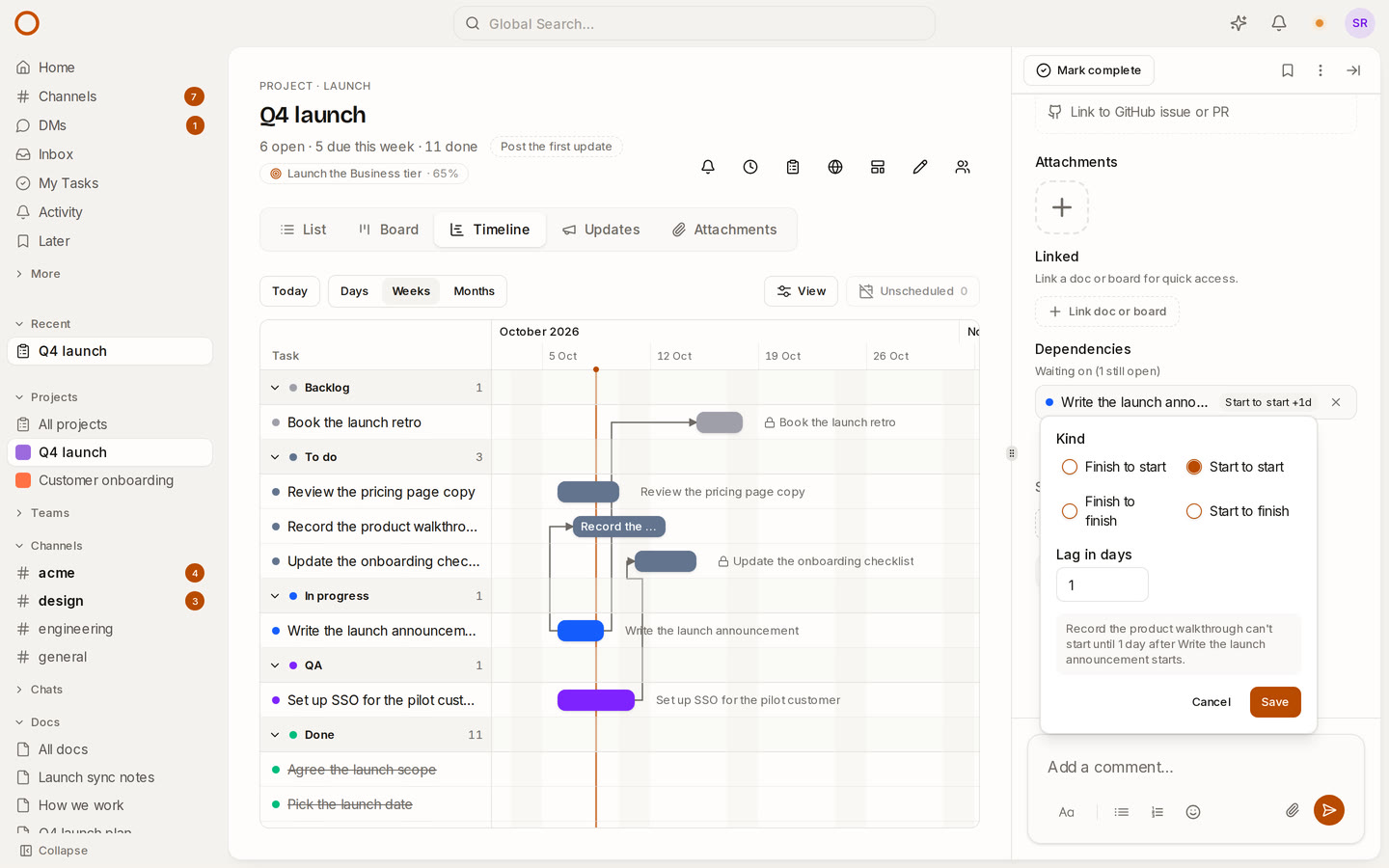
Four kinds, and a lag
| Kind | The waiting task can't… | For example |
|---|---|---|
| Finish to start | start until the other finishes | Build starts once the design is done |
| Start to start | start until the other starts | Writing the docs starts once the build has |
| Finish to finish | finish until the other finishes | Testing ends after the build does |
| Start to finish | finish until the other starts | The old rota runs until the new one starts |
A lag adds days on top: finish to start with a lag of 2 leaves two days between the tasks. A negative lag lets them overlap: −2 lets the second task start two days before the first is due.
How to use it
Add a dependency as before: drag from the end of one bar to another on the project's Timeline, or press Waits on… in a task's panel. It starts as finish to start, the common case.
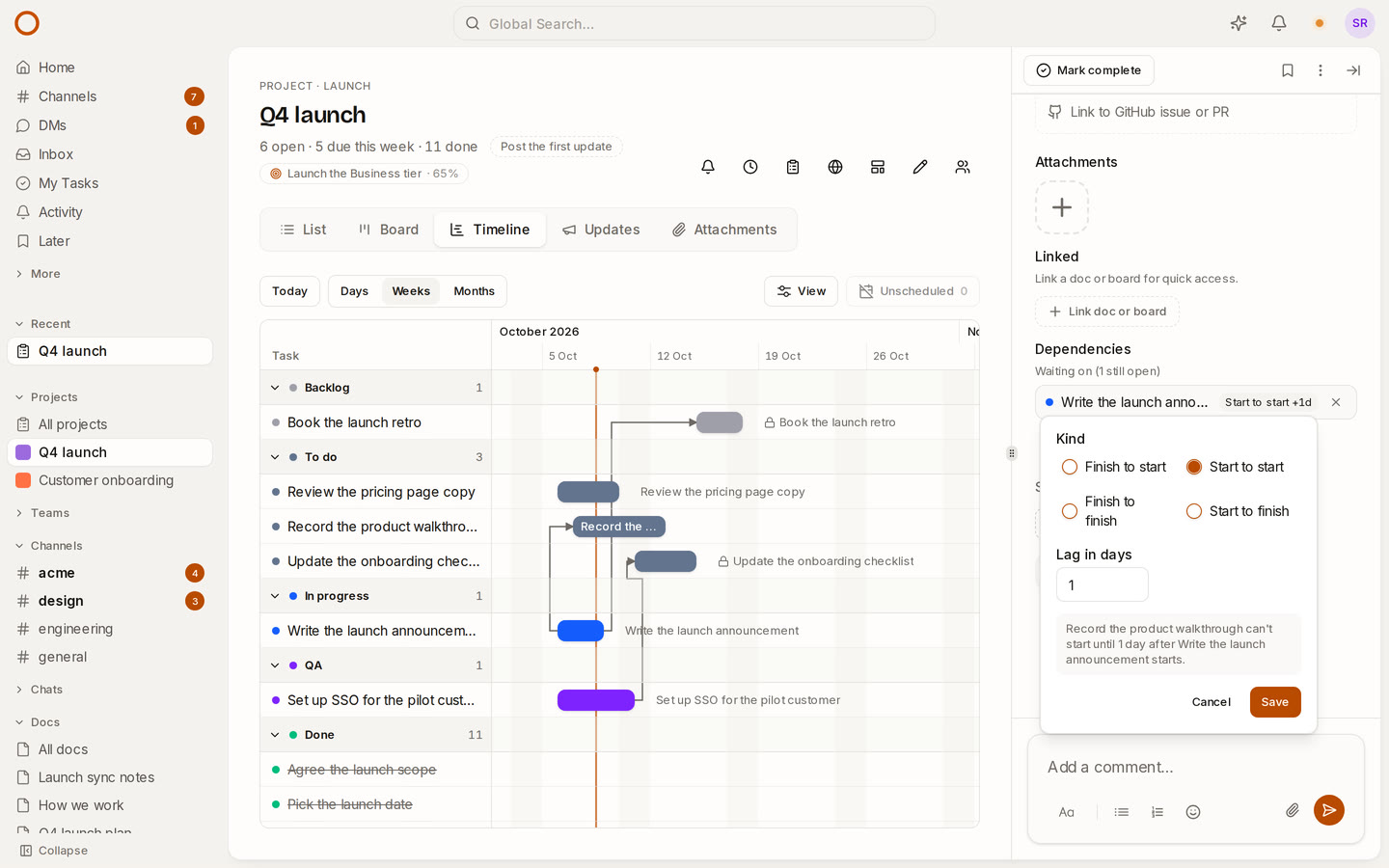
To change it, open either task and press the words beside the other task's name: Finish to start, to begin with. Choose a kind, type a lag, and the panel says what you've chosen in plain words before you save it: "Build can't start until 2 days after Design finishes."
The timeline keeps to it
- Each arrow runs between the ends its kind ties: start to start runs from one bar's start to the other's.
- An arrow turns red when the dates can't keep to its kind and lag, so a clash shows before it costs you a week.
- When you drag a task later, the tasks waiting on it move along just far enough for each kind and lag, and keep how long they run.
- Only finish to start marks a task as blocked on the board and in the list. With the other kinds, both tasks can be under way at once, so nothing is blocked.
How it compares
Linear has one kind of dependency: end to start. Asana has the four kinds, but no lag. OneCamp now has both, and moves the tasks waiting on a task when it slips, on your own server, in every edition, the free one included.
Try it
- Open the live demo and open the Q4 launch project's Timeline: the walkthrough is recorded a day behind the announcement, start to start.
- On your own server: onemana.dev/free gives you the install command, no email needed.
- Already running OneCamp? Update to v2.65.0 (with AI) or v1.50.0 (without AI).
Get the next one
I write these as I build OneCamp: what broke, what it cost, and what I changed.