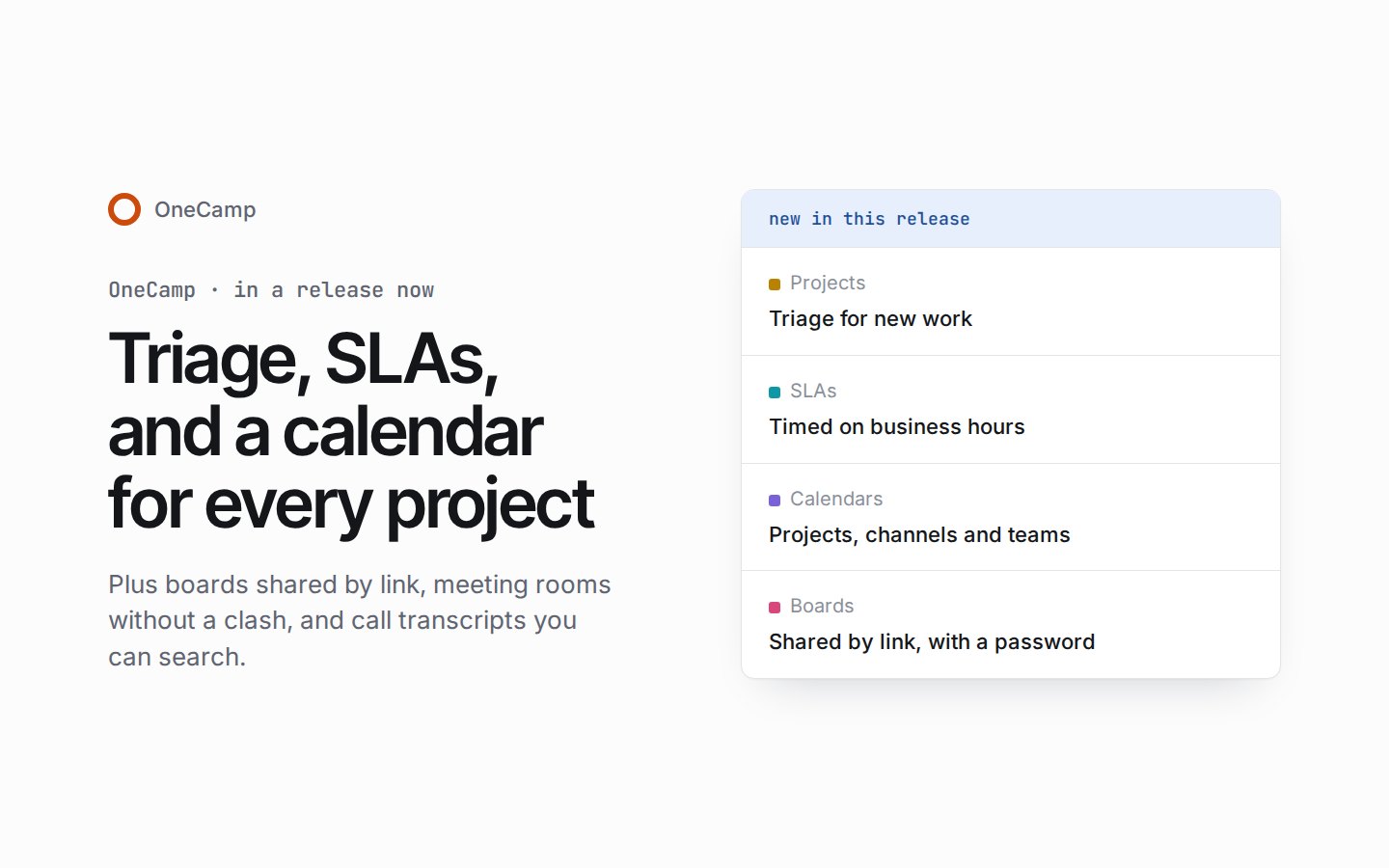
Triage, SLAs, and a calendar for every project
If you're new here: OneCamp is a self-hosted workspace (chat, tasks, docs, calls, calendar and AI agents) that you install on your own server. It is open source and free for up to 25 people.
Everything in this post is in a new release you can install today, with AI or without: the release notes list it all, and the installation guide's Updating section has the steps. The few things that need AI say so.
The last post made emails show what people wrote as plain text, and the release story before it brought Outlook Calendar, project releases, and calls that ring. In this release, projects can hold new work in triage until someone decides it, and keep their promises with SLAs timed on the project's own business hours. Projects, channels and teams get calendars of their own, one private link puts everything you can see into another calendar app, and meeting rooms can be booked without a clash. Boards can be shared by link with a password and an end date, and call transcripts can be exported, corrected and searched.
Triage for new work
Turn triage on for a project, and new work from forms, the API and GitHub issues waits in the project's Triage tab, out of its lists and counts, until someone decides it: accepts it into a status, declines it with a reason, marks it a duplicate or snoozes it, from the keyboard too. With AI, work from AI agents and tasks made from a chat wait there as well.
Whoever asked hears how it was decided, and a project can ask for a priority before accepting. Rules can act on arriving work and hand it to whoever is on duty on the triage rota.
SLAs on the project's own hours
Once a project's admins turn them on, SLA rules by priority, label and work type set how soon work is due, timed on the project's own business hours. Each task carries its SLA (On track, At risk, Breached or Met) on lists, boards and its page, and its assignee hears once when it is at risk and once when it is breached.
Lists filter and sort by SLA, Insights slices by it, and a dashboard widget breaks work down by it.
A calendar for every project, channel and team
Projects, channels and teams now have calendars of their own, and you open each from where it lives. A project's shows its dated tasks and milestones, a channel's the tasks its messages link to, and a team's its members' time off, each only as far as you may see them, and each entry opens its source. Anyone can keep their busy times to themselves by turning off Show when you're busy.
One private link now puts everything you can see in OneCamp into another calendar app, and a project's calendar link carries its dated tasks too. Workspace admins see every calendar link in Settings › Permissions, with when it was last read, and can stop any of them or turn links off for everyone.
Meeting rooms and booking links
Admins keep a directory of the workspace's meeting rooms, and members book one on an event they can edit. A room is never booked twice for the same time, and Find a time leaves booked rooms out.
A guest can now move their booking from its link, up to three times a day and never inside the page's notice, and its owner is told. Guests get a reminder email a day and an hour before, and a booking page can keep dates of its own: a day off, or other hours.
Boards by link, layers and mind maps
Share a board with a link to view, comment or edit, behind an optional password and an end date, and turn the link off whenever you like. Boards gain co-owners, a Can comment role and a switch for whether editors may share, and when an owner leaves, their boards are handed on with their docs.
A board's layers show, hide, lock and reorder, with a template's background locked. The Mind map tool takes Tab and Enter for a child or a sibling, folds a branch, and makes a branch into tasks or a doc. With AI, Expand with AI grows a branch, and the board AI's mind maps come out as real ones. On a phone, a board's tools and Undo sit in one bottom bar, every button a finger's size.
Calls: transcripts you can search, audio that stays on your server
Export a call's transcript as WebVTT, SubRip or plain text, and correct a line where it was said; a corrected line is marked as corrected. Search now finds what was said in calls, under a Calls scope of its own, for the conversation's members once the call has ended, and a result opens the recording at that moment.
With nothing chosen, calls are transcribed by the transcriber on your own server once it's started (make stt_up); captions say why they're off until then. Sending call audio to a browser's or a provider's speech service takes an admin's acknowledgement of where it goes, kept in the audit log. Each person's OK or Leave on a recording's notice is kept in the admin audit log, and a guest answers the notice before anything of theirs is sent.
With AI, a call's recap and its action items show on its calendar event, and Make task turns each action item into a task. The organiser can send the recap to guests invited by email, and Meeting recaps has an email switch of its own. You can also describe a call background and the workspace's model designs it, painted on your device and never uploaded.
Tables
Export every table you can open as one workbook, a sheet each. Rows can link to channels and calls, and five templates of OneCamp's own get you started: a CRM, hiring, a content calendar, stock and a budget, each with linked tables and rollups. Every table export is a row in the admin audit log.
Fewer emails, a quieter phone
Chat and work you're told of within 15 minutes now comes as one email, sent after your quiet hours. A big group emails only the people it names, and every email is checked again just before it goes. You choose whether your phone gets a push right away or after 1, 5 or 10 minutes while you're in OneCamp, and a task made Urgent tells its assignee at once.
In the Inbox, you can take an item out of Priority and put it back with Undo, and an ask nobody answered leaves Priority after a week.
Smaller things
- Projects: a project's admins can let cycles run side by side, and unfinished work never moves into the cycle running beside it. A task's Development card shows its pull request's review: Approved, Changes requested or Reviewed.
- Seats: the workspace menu shows admins the plan and its seats, with a notice at 80%.
- Steadier and quicker: long task lists draw a screen at a time, a task's title paints before the rest of its panel, lists, boards and My Tasks read their tasks in one trip, a table's rows load in fewer trips, and opening or closing an overlay no longer makes the browser restyle the whole page.
Fixes
Security fixes. Upgrading is recommended for every install.
Staying signed in and connected
- On Firefox, people were signed out when their session was due to be renewed; fixed.
- A moment's database trouble while renewing a session no longer signs the device out; the app asks again.
- A page says offline once, and Reconnecting until the server answers.
- A page whose connection drops for a moment is asked for once more before the offline page shows.
Notifications and email
- A group message's email says "mentioned you" only to the people it names; the rest get the message.
- Someone who had never chosen a notification level, or never opened their notification settings, missed emails, task emails among them; they're emailed as the defaults say now.
- Nothing means nothing: a thread and Notify anyway respect it, a muted channel's mentions no longer list or count in the Inbox, and a project's setting holds for its emails and pushes too.
- One bulk change, and the rules it sets off, tell each assignee once.
- Keywords and VIPs save the moment Enter adds them, even if you reload straight after.
- With AI, a dismissed AI nudge stays down until its item changes, instead of coming back every three days.
Calendar
- A calendar change whose answer was lost no longer makes a second event in Google Calendar or Outlook.
- Archiving or reassigning a task takes its copy out of the old assignee's Google Calendar, even with their task sync off.
- A task synced to Google Calendar shows once in OneCamp's calendar, not twice.
- A call in a repeating meeting shows on the occurrence it happened in, not on every one.
- A synced calendar that can't be read for now says so on its line and on the Calendars button.
Chat
- In a public channel you aren't in, threads open as its posts do, and someone invited to a call there can still reply in its thread.
- A thread reply sent again after a lost answer is posted once.
- A change to who may post in a channel that fails part way is put back, so posting follows one rule.
Tasks, tables, docs and invoices
- A task's pull request review reads as GitHub decides it, whatever order the reviews arrive in and however many there are.
- A table import keeps a link named only on the far side of a pair, and the rollups that read it.
- In a table, a cell you press or reach by keys comes out from under the frozen column, and a chip's × keeps its place, so the + after it stays under the pointer.
- The block after a heading in a doc sits at the heading's margin again, a table of contents too.
- Void works only on a sent invoice: a paid one is marked unpaid first and a draft is deleted, for admins too.
- With AI, an AI error says what happened and when to try again, never a library's raw message.
Video and the keyboard
- A video that won't load still uploads, and a video's volume slider can be reached by finger or keyboard.
- In a list, a row under a resting mouse no longer lights up as the keys move.
Before you update
The steps are under Updating on the installation page, and the changelog has the details.
- A backup first. The update takes a backup, then applies fifteen database migrations. They add triage, SLA timers, parallel cycles, pushes that wait while you're in OneCamp, each pull request's own reviews, your marks on Inbox items, calendar links to everything, meeting rooms, a rule trigger for arriving work, mailboxes for triage, and questions and team hosts for booking pages, with one new index on tasks and fewer unused indexes. With AI, they also add call recaps on events; without AI, two calendar settings.
- Some one-time work. One index on tasks is built without blocking writes. After its first start, the server adds every call transcript's lines to search, in the background, and a restart picks up where it left off. With AI, once per install, it also ties older calls to the notes doc their recap went to, and moves each task's AI search entry to its current assignee.
- Where call audio goes. An install whose settings name where call audio goes keeps that choice, and Admin › Transcription asks an admin once to acknowledge where it goes. With nothing named, calls are transcribed by the transcriber on your own server, and captions say why they're off while it isn't running.
- The web app goes with the server.
make updateupdates both; if you host the web app yourself, deploy this release's web app at the same time. The new features need the new web app, so anyone with a tab open should reload. Going back to the earlier release isn't supported: restore the backup the update took. - Scripts and integrations. In a project with triage on, a task made over the API or from a new GitHub issue waits in triage, and the answer says so (
in_triage); with AI, so does one an AI agent makes. A project's calendar carries its tasks and milestones and a channel's the tasks its messages link to, which a token reads withtasks:readandprojects:readbesidecalendar:read. A call's transcript exports as WebVTT, SubRip or plain text, also by the recording's key with amessages:readtoken, and with AI, transcripts and captions can be read in another language. New routes cover triage, SLAs, parallel cycles, calendars for channels and teams, your busy times, meeting rooms, calendar links and sync for admins, a booking's move, a call's notice, calls to link, a transcript line's correction, board comments, a guest link's change, every table at once and Priority, and with AI a call's recap on its event. A project's mailbox for triage, and questions and team hosts on booking pages, are over the API only for now, with no screens yet. Existing routes keep their paths.
What's next
The live demo keeps moving, and the next post will say what reached it. If you run OneCamp, the update is ready today; if you don't yet, the live demo is the quickest way to try it.
The product behind these posts
OneCamp is your team's chat, docs, tasks and calls in one open-source app on your own server, with AI agents that can only do what you can.
No sign-up · Free for up to 25 people
Get the next one
I write these as I build OneCamp: what broke, what it cost, and what I changed.