Your Team Arrives Ready To Write
If you're new here: OneCamp is a self-hosted workspace (chat, tasks, docs, calls, calendar and AI agents) that you install on your own server. It is open source and free for up to 25 people.
I counted the steps between a teammate opening their invitation email and writing their first message. There were twelve. Four of them were finding #general and joining it by hand, from a Home screen that told them to set up email and connect an AI provider: the admin's to-do list, not theirs.
Now there are a handful, and none of them is finding where the team talks.
They land where the team talks
- Joining puts a new member in the workspace's default channels, and opens the first one with the message box ready. Until you choose others in Admin → General → Default channels, that's #general.
- Every way in does it: an invitation, Google, GitHub, OpenID Connect, SAML, LDAP and SCIM.
- Ten people joining at once all get in.
- Someone who ends up in no channel sees Join #general on Home, not an empty page.
- People your directory creates before their start date (SCIM, created inactive) aren't welcomed into channels until they start.
Invitations say where they stand
- Admin → Invitations shows each one as live, with the days its link has left, expired, or joined. Copy the link from there to send it any other way.
- The email says who invited them and to which workspace, and a reply goes to the person who invited them.
- You're told whether the email actually went, and if not, why: email isn't set up, the provider refused it (with its reason), today's sending limit is used up, or the provider didn't answer. The link is shown either way.
- Inviting someone who's already a member, or already invited, says so instead of sending a second email. An admin renews an expired invitation with a new link.
- The setup checklist puts Set up email before Invite your team, so the first invitations arrive.
A whole company in one entry
Add @acme.com to the Sign-up allow-list (Admin → General) and everyone at Acme can join by signing in with their Acme Google Workspace account. No invitations needed.
It's deliberately narrow:
- Google has to say the account belongs to that Workspace domain. A personal Gmail with an Acme address added to it doesn't count.
- GitHub sign-in uses exact addresses only, never a domain entry, since anyone can add an address to a GitHub account.
- Public mail domains like gmail.com or outlook.com can't be added: that would let anyone in.
One person, one account, in any language
- Addresses are matched without regard to letter case, so Ana@Acme.com and ana@acme.com are the same person, however they arrive. Addresses with characters outside plain ASCII are refused rather than matched to someone else's look-alike.
- Names can be written in any language: José, O'Brien, 王芳 all save. Everyone gets an @handle made from their name, which they can change in their profile.
- GitHub sign-in accepts any verified address on the account that the workspace knows, not only the primary one. Someone invited at work whose GitHub primary is personal can sign in.
A refused sign-in says why
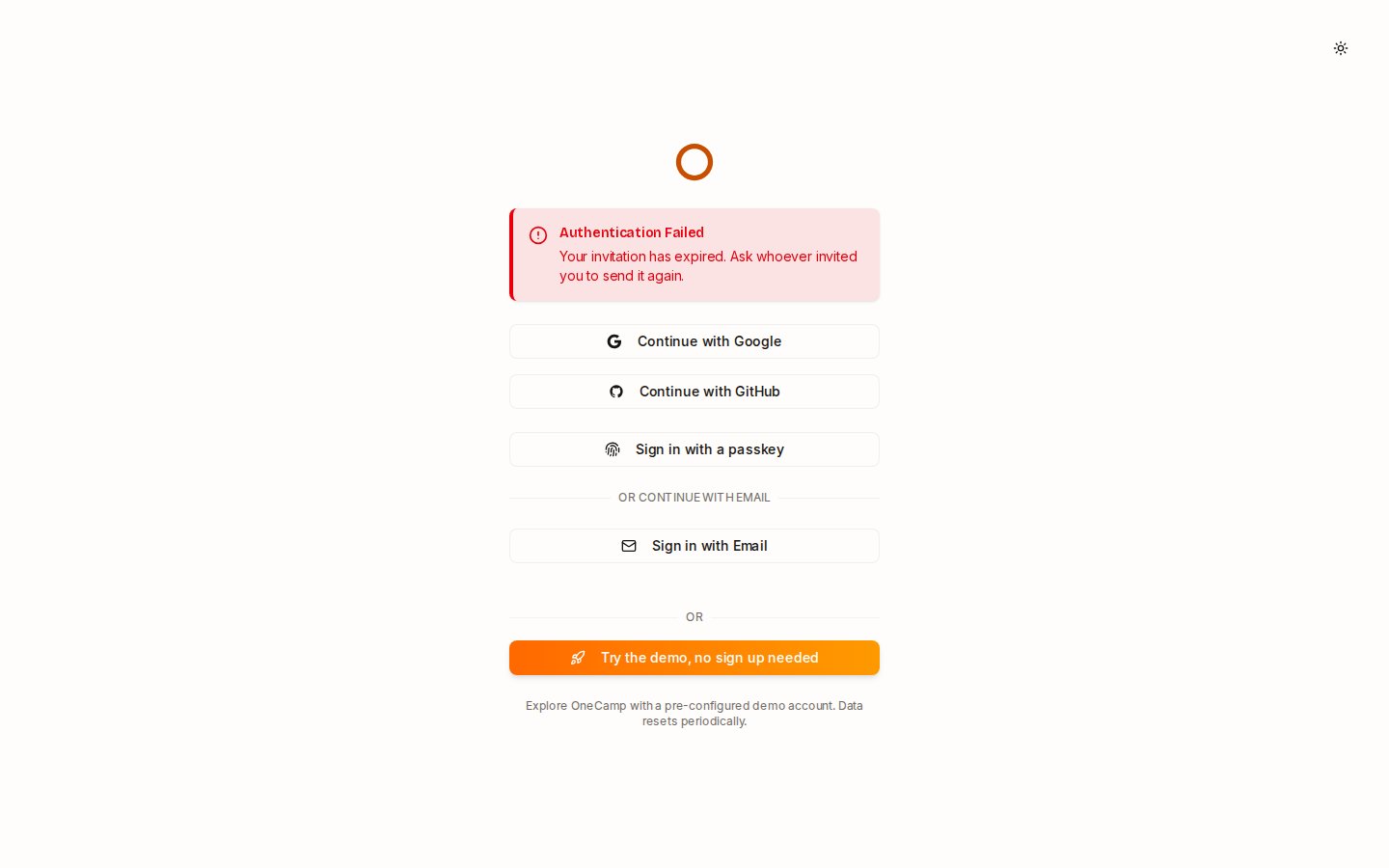
The sign-in page now says which it was: cancelled at the provider, left open too long, an expired invitation, an address the provider hasn't verified, not invited, or no free seat left. Before, most of these read as "contact your administrator".
For the admins setting up single sign-on
- SAML in one command:
make saml-cert, thenmake restart-api. No compose file to edit. - LDAPS with your own certificate authority: put the PEM in
./ldapand setLDAP_CA_CERT. - Admin groups both ways: someone in a group named in
LDAP_ADMIN_GROUPSbecomes an admin when they sign in through the directory, and stops being one when they leave it. - Passwords off:
AUTH_EMAIL_DISABLED=truehides passwords from the sign-in page and refuses password sign-up. Only admins keep their password, as the way back in if single sign-on breaks. If nothing else would let members sign in, OneCamp says so at startup and in the admin system check. - SCIM adopts people an import already brought in, keeping their history, instead of making a second account.
The single sign-on guide has every setting.
Try it
- On your own server: onemana.dev/free gives you the install command, no email needed. Then invite someone, and watch where they land.
- Or try the live demo first.
- Already running OneCamp? Update to v2.70.0 (with AI) or v1.55.0 (without AI) with
make update. If your.envsetsAUTH_EMAIL_DISABLED, read the release notes first: it now does what it says.
Get the next one
I write these as I build OneCamp: what broke, what it cost, and what I changed.