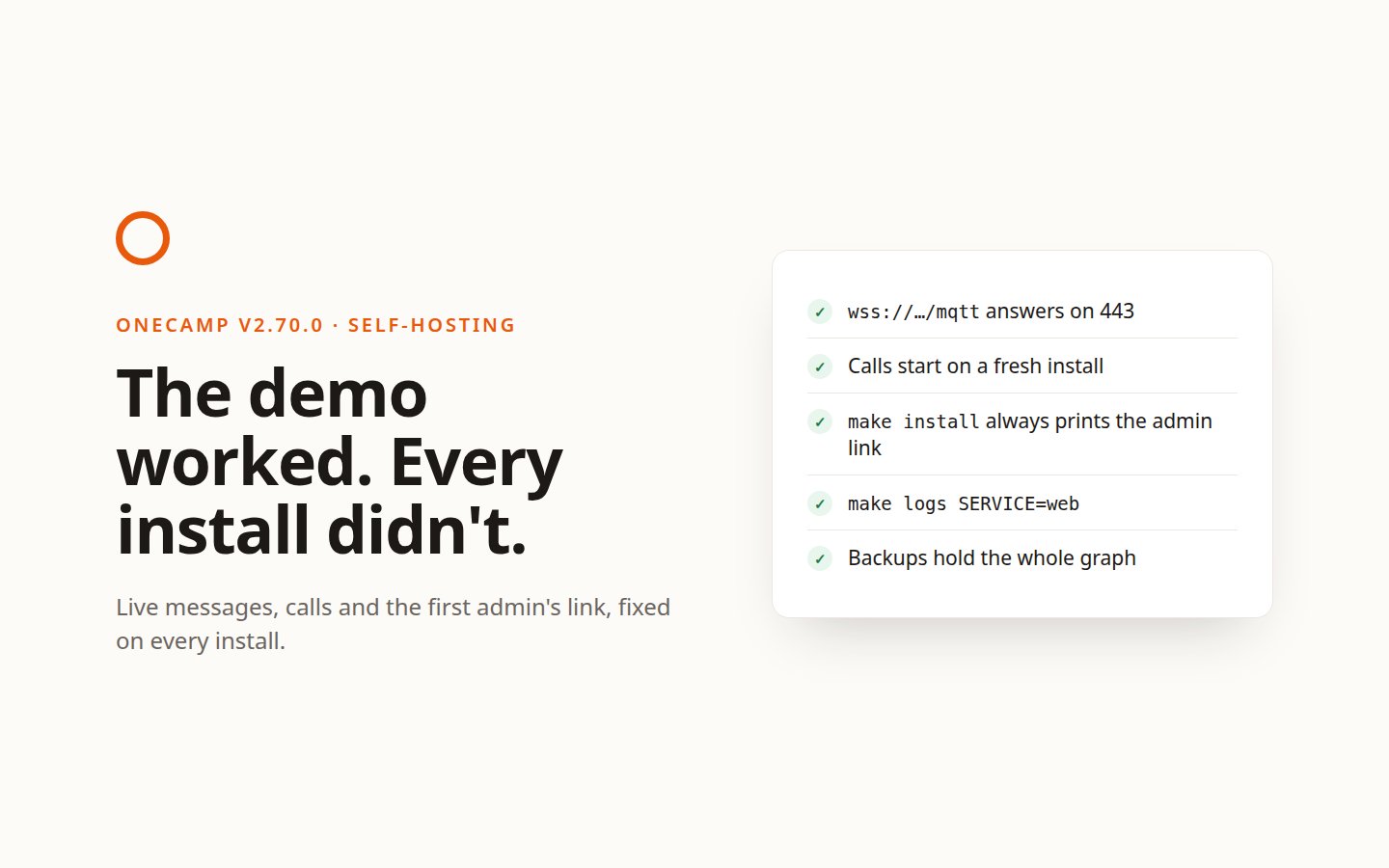
The Demo Worked. Every Install Didn't.
If you're new here: OneCamp is a self-hosted workspace (chat, tasks, docs, calls, calendar and AI agents) that you install on your own server. It is open source and free for up to 25 people.
I test OneCamp on the demo every day. Every new feature is walked through there by a script before a release, and a visitor can try it at onemana.dev/demo without signing up.
This week I went through what a customer actually runs instead: the installer, the compose file in the download, make install, make verify, make update. Several things that work on the demo had never worked on an install, and nothing on an install said so.
Messages never arrived live
New messages, typing indicators and who's online travel over a live connection to the message broker. The installer writes its address as wss://<your host>/mqtt, with no port, so browsers connect on 443.
The compose file in the download sent that host to the broker on port 8084 only. So on every install made from it, nothing arrived live. A new message appeared when you reloaded the page.
The demo never showed it, because the demo runs a different compose file that routes the same host on 443. Behind a proxy, as on OneCamp Cloud, port 8084 can't be carried at all.
The broker now listens on 443 as well as 8084, so anything already pointed at 8084 keeps working. A test reads both compose files and the address the installer writes, and fails if they disagree.
Calls never started on a fresh install
make secrets fills every placeholder in the environment file with a random value. One of them was the call server's key. LiveKit reads that key as name: secret, and it refuses anything else with "Could not parse keys" and exits. A bare random value is anything else.
So on every fresh install the call server never started. The key is now built from the name and secret the API already signs call tokens with. make update runs that step before restarting, so an install that has the broken key is repaired by updating.
make install could stop before the one password it shows once
At the end of make install, make verify checks the stack. If it failed, the install stopped there, before printing two things: the address where you create the first admin, and the dashboard's one-time password, which nothing shows again.
And verify did fail on a default install. The template chose the local AI engine as the model provider, and nothing starts that engine unless you ask for it, so verify said NOT READY. On the edition without AI it reported an AI provider for a feature that edition doesn't have.
Now:
- Both lines are always printed. The install still exits with verify's result, so a script driving it (OneCamp Cloud's provisioner does) sees a real failure.
- No local engine is a to-do: choose a provider in Admin → AI, or run
make use_local_ai. It's a failure only when local models were switched on and the engine is down. - The edition without AI has no AI section in verify.
The advice pointed at a command that didn't exist
When the web app answered with an error, verify said to "check make logs". There was no logs target, so the advice ended in "No rule to make target".
make logs SERVICE=go-service (or web, traefik, …) now shows a service's last 200 lines, with LINES= for more. A test reads every make command the Makefile tells you to run and fails if one doesn't exist.
Two backend processes kept disconnecting each other
With the workers profile on, the API and the worker connected to the broker under the same client name. A broker keeps one connection per name, so each kept dropping the other, over and over. Whichever was dropped couldn't publish, and its live updates were lost.
Worse, the code that counts how many devices someone has connected split every client name on _ and took the second part. The other backend process connects as backend, with no _, and that crashed the process.
Each process now connects under its own name, made from the setting, its role and its host. The device count ignores any client that isn't a person.
Everyone behind the proxy was one visitor
Sign-in, two-step codes, password resets and public forms are limited per visitor address. Behind Traefik every request came from Traefik's address, so the limit applied to the whole workspace: twenty mistyped passwords from anyone in fifteen minutes locked every member out of email sign-in. The audit log recorded Traefik's address for every admin action, too.
The address is now the one the proxy saw, taken from the right-most X-Forwarded-For entry, not one the sender wrote. Behind Cloudflare it's the visitor Cloudflare reports. And these limits keep counting, in the process, while Redis is down; until now a Redis outage switched them off.
Backups that weren't whole
- The graph database queues an export and answers at once. The backup waited three seconds, archived whatever was there and deleted the directory under the export still being written. On anything bigger than the demo, the backup held part of the graph. It now waits until the export is done, and a backup without the graph fails instead of warning.
- A database dump that wrote nothing still made a valid archive, which passed every check. Its last line, "dump complete", is now required.
- Restoring takes a safety backup first, and rotation deletes the oldest backup. Restoring the oldest one deleted it after it was checked and before the database was dropped, leaving an empty, stopped workspace. A restore now marks its backup as in use, and checks everything again before dropping anything.
Single sign-on without editing the compose file
SAML needs a certificate and key that the API reads from a path. The image leaves *.key out, rightly, and the API mounted nothing, so setting up SAML meant editing the compose file by hand. An update replaces that file.
make saml-cert now makes the pair in ./saml, which the shipped compose file mounts read-only. Then run make restart-api. It works when Docker created ./saml as root, which it does on the stack's first start. LDAPS can trust your company's own certificate authority the same way, from ./ldap, with LDAP_CA_CERT. The single sign-on guide walks through both.
The installer says what it needs
The install script at onemana.dev uses apt. On a server without it, it used to fail halfway with an error about a missing command. It now checks first, and says plainly that it needs Ubuntu or Debian, with a link to building from source. It also asks which edition you want in words: with AI features, or without AI.
Why none of this said anything
Every one of these failed quietly. A page that doesn't update live looks like a slow colleague. A call server that won't start looks like a call nobody joined. A rate limit shared by everyone looks like a forgotten password. Nothing threw an error anyone would see.
They lasted because I tested what I run, not what I ship. The demo is a better-maintained install than any customer's, with its own compose file, its own environment and a script that walks every feature. So the fixes come with tests on what ships: the compose files against the address the installer writes, the Makefile's advice against its own targets, the call server's key against the format LiveKit accepts.
Update
- Already running OneCamp? Run
make update. It backs up, migrates, rebuilds and verifies. It also repairs the call server's key. - New here? onemana.dev/free gives you the install command, no email needed, or try the live demo first.
- This is v2.70.0 (with AI) and v1.55.0 (without AI).
Get the next one
I write these as I build OneCamp: what broke, what it cost, and what I changed.